
DriverPack SolutionKeep Your Windows Drivers Up to Date
DriverPack Solution provides a streamlined approach to managing PC drivers, helping users identify outdated or missing drivers and maintain system compatibility. With an accessible interface and broad hardware support, it makes driver management more convenient across compatible Windows devices.
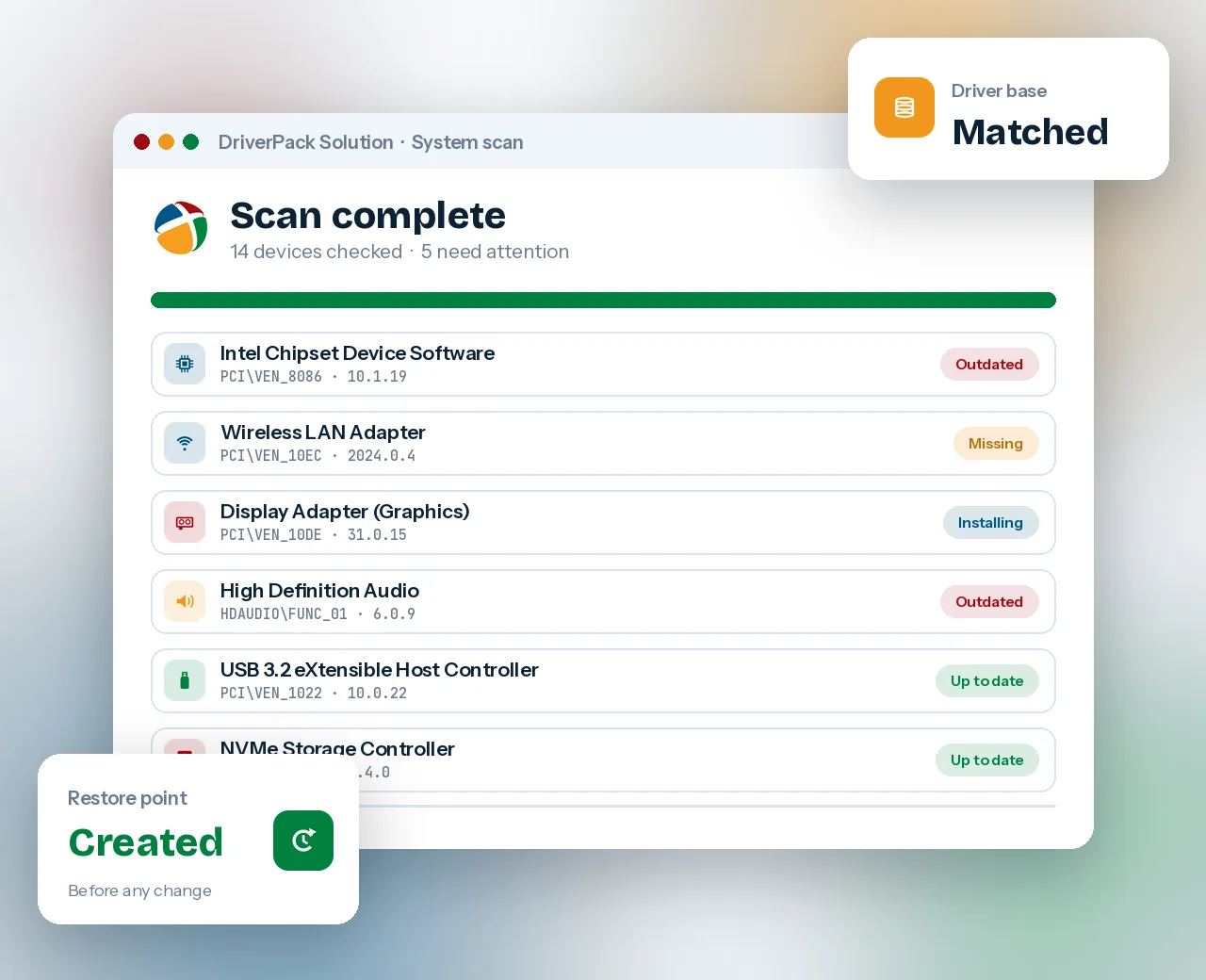
 Chipset
 Network
 Graphics
 Audio
 USB ports
 Storage
 Printers
 Laptops
A driver library that reads your hardware before it installs anything
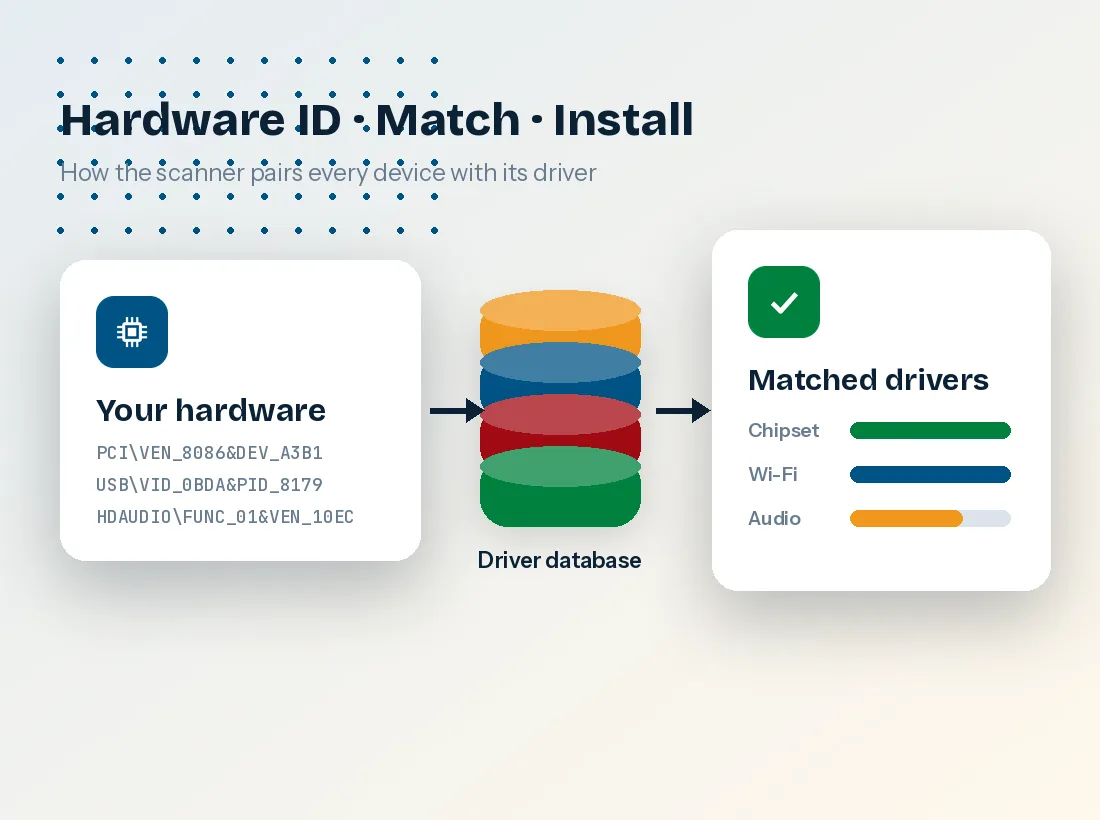
DriverPack Solution is a free Windows utility that identifies each component in a computer by its hardware ID, the vendor and device code Windows reports for every chip, card and port. It compares those codes with a large curated driver collection and installs the closest match for your Windows edition and architecture.
That approach matters most right after a clean Windows install, when Device Manager is full of "Unknown device" entries and the network adapter is often among them. Instead of downloading drivers on another machine, you run one tool and let it work out what each device needs.
- Program type
- Driver detection & installation utility
- Licence
- Freeware, optional partner offers
- Platforms
- Windows 11, 10, 8.1, 7 (and legacy XP)
- Packages
- Online Installer, Offline Network, Offline Full
- Launcher file
PROD_Start_DriverPack.hta
Built for the moment Windows says "no driver found"
Each feature targets a specific job technicians face: no internet, mismatched hardware, unwanted extras and the need for a way back.
Hardware-ID matching instead of guesswork
The scanner reads PCI, USB, HDAUDIO and ACPI identifiers directly, so it can name a component even when Windows only shows "Unknown device". Drivers are then filtered by Windows version and by 32-bit or 64-bit architecture before you see them.

Works without internet
Offline packs carry drivers on a USB drive for PCs that cannot get online yet.

Expert Mode control
Pick drivers one by one and untick every optional app before installation starts.

Restore point first
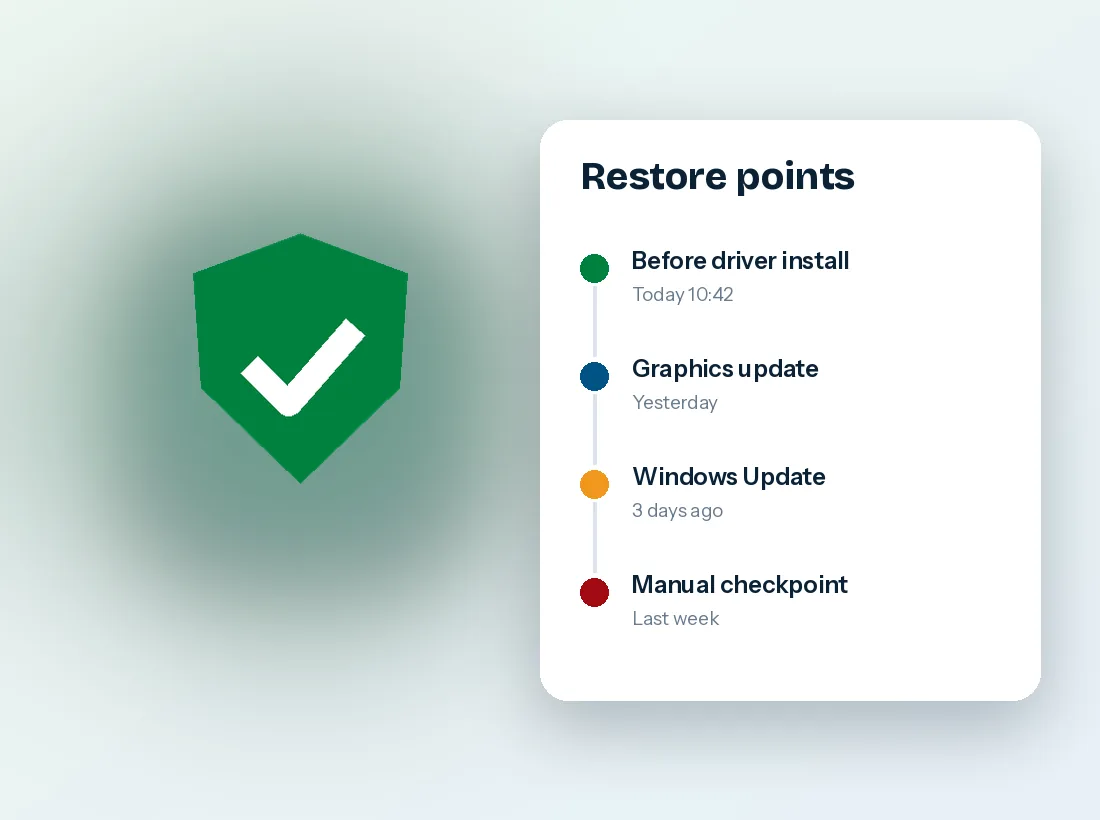
A system checkpoint is created so any change can be rolled back in minutes.

Batch installation
Missing drivers install in one queue, with a single reboot at the end.

Network-first rescue
The Offline Network pack exists for one job: getting Ethernet or Wi-Fi working on a PC that has no connection, so the online installer can finish the rest.

Older hardware still covered
Chipsets, sound cards and printers whose makers stopped publishing updates years ago are often still in the driver base, which keeps older desktops and laptops usable.
Four stations from unknown device to working hardware
The same sequence runs whether you start from the online launcher or from an offline pack on a USB stick.
- 1
Inventory
The launcher queries Windows for every device and records its hardware ID, current driver and driver date.
- 2
Match
Each ID is checked against the driver database, filtered for your Windows edition and 32 or 64-bit build.
- 3
Review
Results are grouped as missing, outdated or current. Expert Mode lets you choose what goes ahead.
- 4
Install
A restore point is set, drivers install in a queue, and Windows asks for one restart when they finish.

Typical timing: the scan takes well under a minute. A fresh Windows 10 or 11 install that needs chipset, network, audio and graphics drivers usually completes in ten to twenty minutes on a normal broadband connection.
Install DriverPack Solution the careful way
The launcher does not install itself permanently before you approve anything. These steps keep the process clean and reversible.
Download the launcher
Save
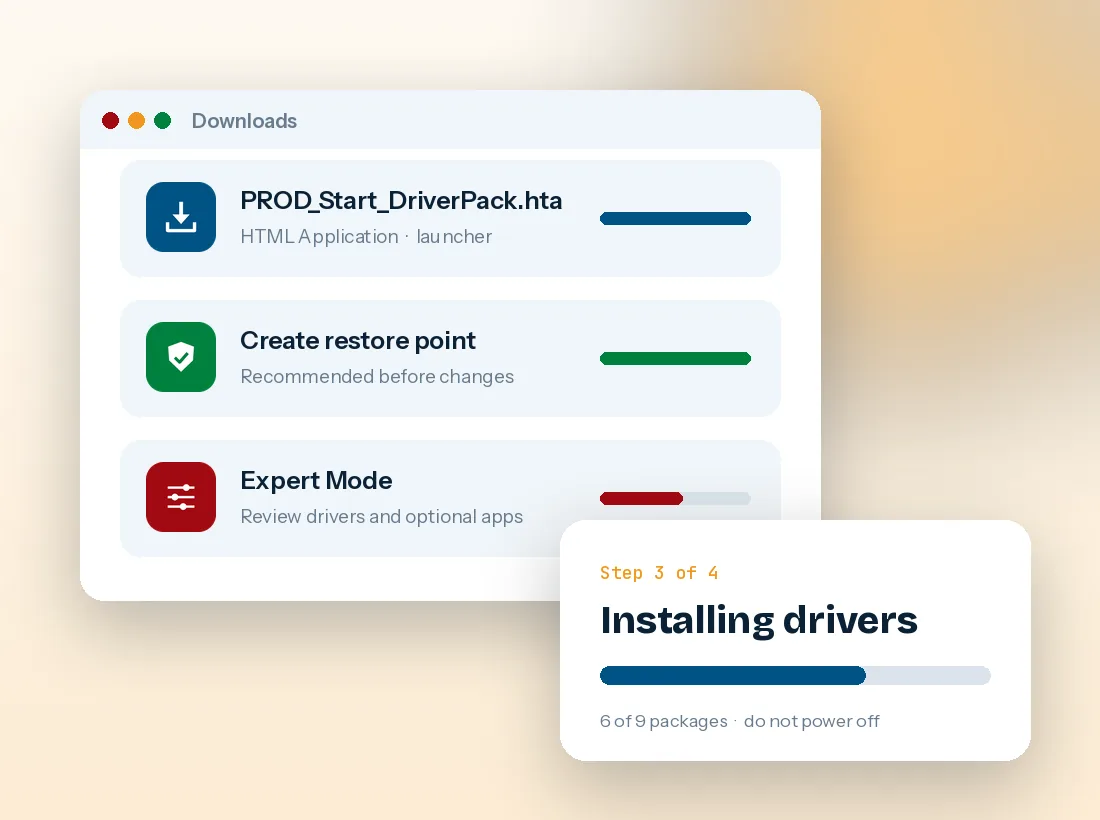
PROD_Start_DriverPack.htafrom the download section below. It is a small HTML Application that starts the online installer.Run it as administrator
Double-click the file and approve the User Account Control prompt. If SmartScreen appears, choose "More info" and then "Run anyway" only if the file came from the link on this page.
Switch to Expert Mode
Before pressing the large install button, open Expert Mode. Review the driver list and untick browsers, utilities or any other software you did not ask for.
Keep the restore point option on
Leave restore-point creation enabled, then start installation. Do not shut the PC down while drivers are copying.
Restart and verify
Reboot when prompted, open Device Manager and confirm no yellow warning icons remain under any category.
Who gets the most out of it
The program earns its place wherever many different machines need drivers quickly, or where a single PC has lost the drivers it needs to get online.
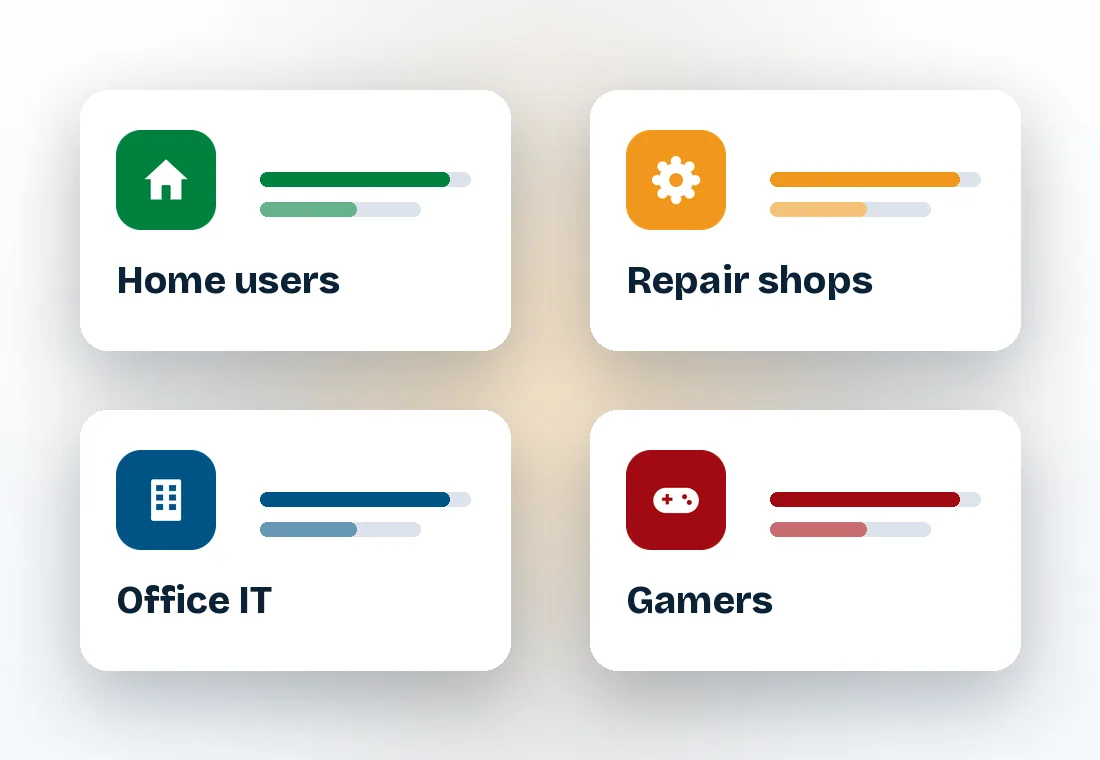
 Fresh home installs
After reinstalling Windows on an older laptop whose manufacturer no longer lists drivers for your edition.
 Repair benches
Technicians carry an offline pack on USB and set up dozens of mixed-brand PCs without per-model downloads.
 Small offices
Standardising a room of older desktops when no deployment server or driver catalogue is available.
 Second-hand builds
Identifying unknown parts in a used PC before choosing vendor tools for the graphics card.
Get the DriverPack Solution Online Installer
The launcher below starts the online scan. From inside it you can also fetch the offline packs if you need to prepare a USB drive for computers without internet.
 Download DriverPack Solution
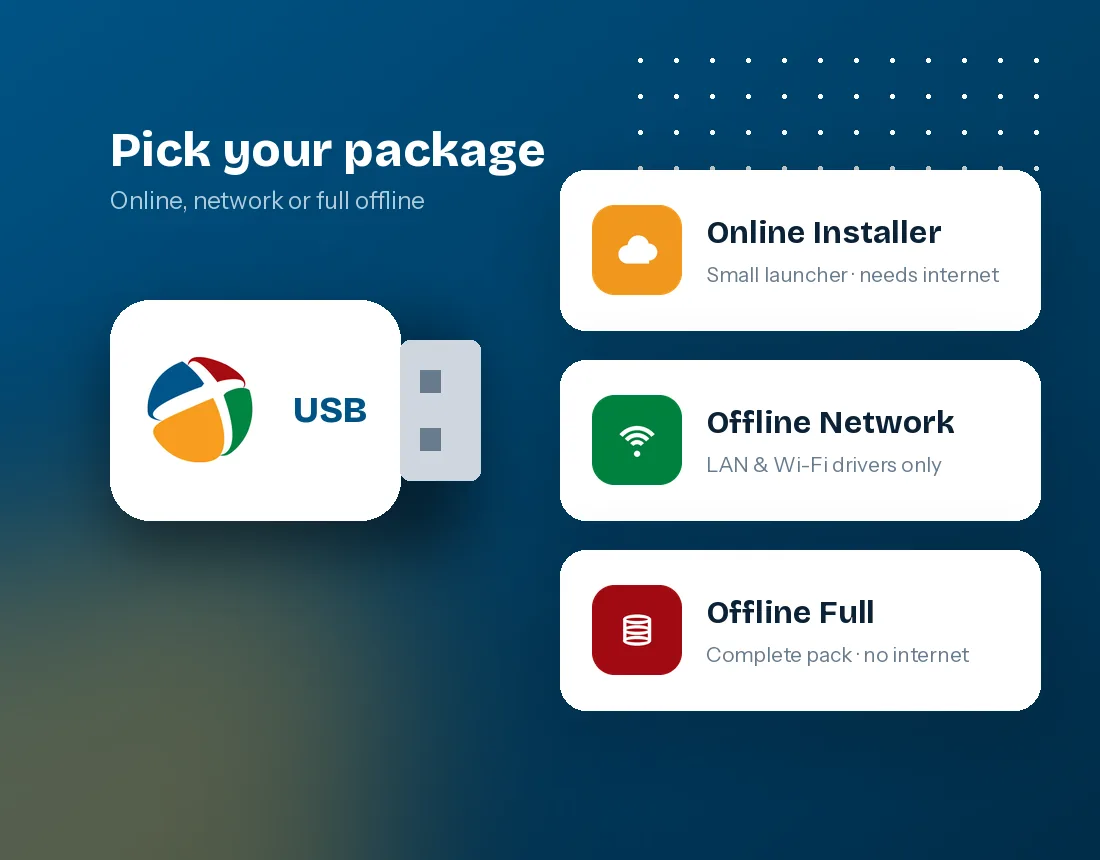
 Online Installer - smallest download, needs internet, fetches only the drivers your PC lacks.
- Offline Network - a few hundred megabytes of LAN and Wi-Fi drivers to bring a PC online.
 Offline Full - the complete collection, tens of gigabytes, for fully disconnected machines.
Which Windows versions it supports
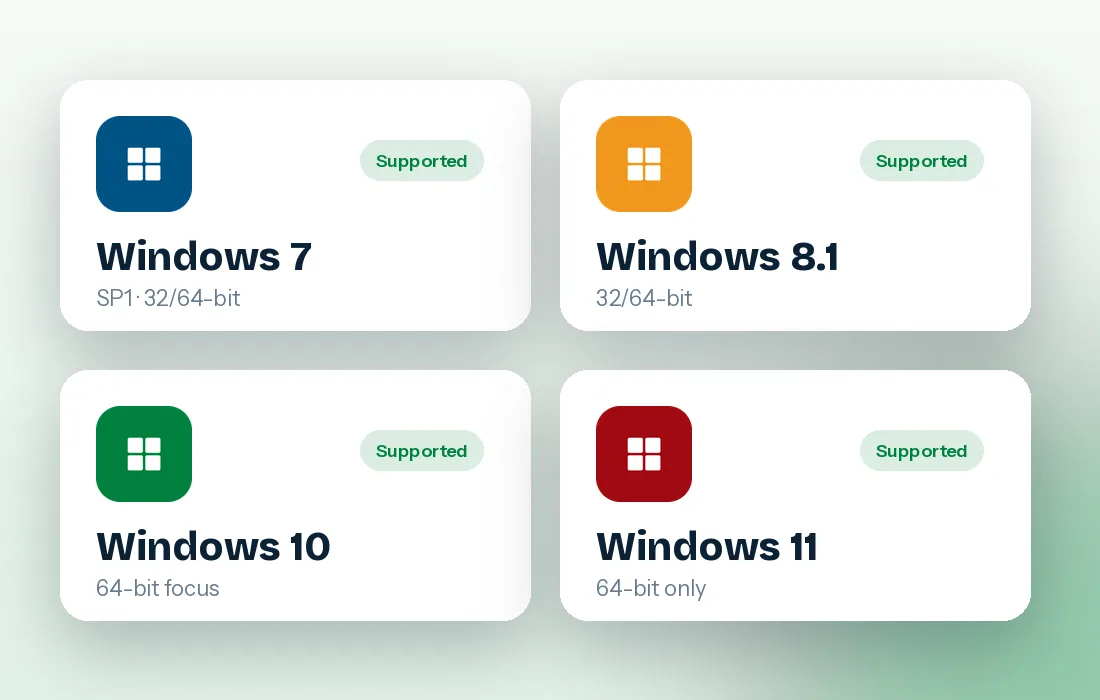
DriverPack Solution Windows 11 and Windows 10 64 bit setups are the most common today, but the driver base still covers Windows 7 and Windows 7 64 bit machines that many workshops keep alive for legacy software.
For unpatched Windows 7 installs, start with an offline pack. Older TLS and certificate support on those systems can block the online launcher until updates are applied.
DriverPack Solution vs other ways to get drivers
| What matters | DriverPack Solution | Windows Update | Manufacturer websites |
|---|---|---|---|
| Works with no internet | Yes, with offline packs | No | No, download elsewhere first |
| Finds unknown devices | Yes, by hardware ID | Partly | Only if you know the model |
| Speed on a fresh install | One scan, one queue | Slow, staged over restarts | Device by device |
| Newest graphics drivers | Often, not always the latest | Usually a few versions behind | Yes, from GPU vendor |
| Optional software offers | Yes, avoid via Expert Mode | None | Sometimes bundled utilities |
| Best suited to | Mixed hardware, offline jobs, old PCs | Keeping current PCs patched | Single, well-known model |
Common problems and their fixes
Most failures come from the environment around the launcher, not the drivers themselves.
HTAThe launcher opens in Notepad or does nothing
The .hta association has been changed. Right-click the file, choose Open with, and select Microsoft (R) HTML Application host, which lives at C:\Windows\System32\mshta.exe. Some hardened systems block mshta entirely; in that case use an offline pack.
NET"Cannot connect to server" on Windows 7
Unpatched Windows 7 lacks the TLS and SHA-2 updates needed for modern secure connections. Install Service Pack 1 plus the SHA-2 and TLS 1.2 updates, or run the Offline Network pack first to get online.
AVAntivirus quarantines the file
Security tools often flag the launcher as a potentially unwanted program because of the optional partner offers. Restore the file only if it came from the official link, then use Expert Mode so no extra software installs.
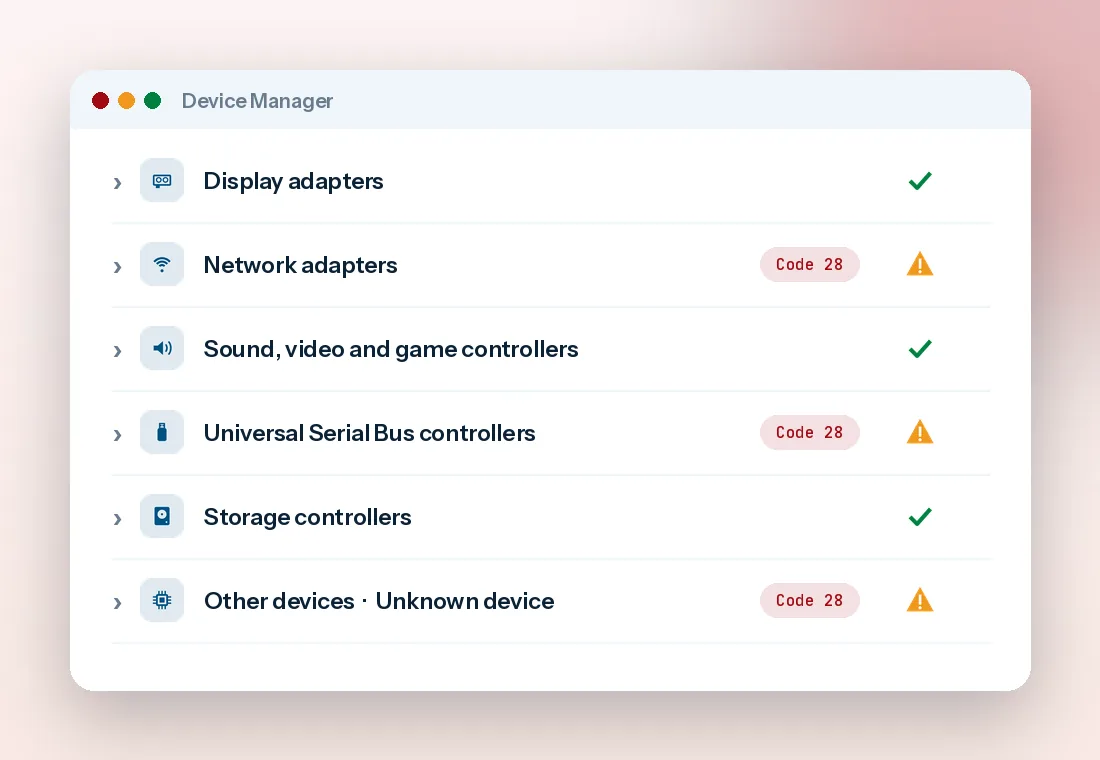
28Device still shows Code 28 after install
Code 28 means no driver is installed. Restart first, as some packages need it. If it remains, note the hardware ID in Device Manager (Properties, Details, Hardware Ids) and check the device's own vendor support page.
BSODBlue screen or no display after updating
Boot into Safe Mode or the Windows Recovery Environment and use System Restore to return to the point created before installation. Then reinstall graphics drivers from the GPU vendor instead.
HVCIWindows 11 blocks a driver as incompatible
Memory Integrity stops drivers that are not compatible with it. Leave the protection on, skip that driver in Expert Mode, and look for a newer version from the hardware maker.
Modest needs, with one big exception
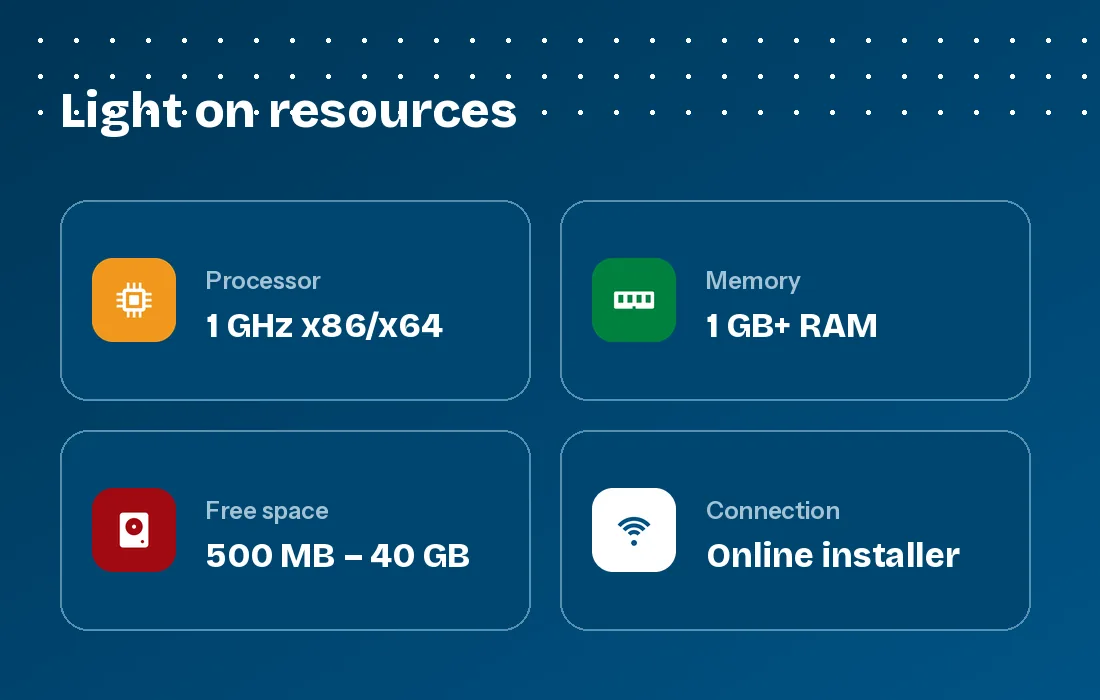
The launcher itself is light. Storage is the only requirement that changes a lot depending on which package you pick.
- Operating system
- Windows 7 SP1, 8.1, 10 or 11 (32 or 64-bit where available)
- Processor
- Any x86 or x64 CPU at 1 GHz or faster
- Memory
- 1 GB RAM minimum, 2 GB or more recommended
- Free space
- About 500 MB for online use; tens of gigabytes for the Full pack
- Internet
- Required for the online installer only
- Permissions
- Administrator account to install drivers




Is DriverPack Solution safe?
The drivers it installs are the same vendor packages found elsewhere. The real risks come from optional software and from updating drivers that were already fine. These habits remove both.
 Download from the source link onlyRepackaged copies on mirror sites are where tampered files usually appear.
- Always use Expert ModeIt shows every driver and optional app with a checkbox, so nothing installs by default.
- Keep the restore point enabledA checkpoint before installation makes any bad driver a two-minute fix.
 Leave graphics to the GPU vendorFor gaming or creative work, NVIDIA, AMD and Intel tools deliver the newest tuned releases.
An honest look at the trade-offs
 What works well
- Identifies unknown devices that Windows Update leaves unresolved
- Offline packs solve the "no network driver, no internet" loop
- One queue and one restart instead of a dozen separate installers
- Covers old hardware whose makers stopped publishing drivers
- Free for personal and workshop use
 What to watch
- Optional partner apps are pre-selected unless you open Expert Mode
- Some antivirus products flag the launcher as unwanted software
- Graphics drivers may trail the GPU vendor's newest release
- The full offline pack needs a lot of disk space and a long download
- The online launcher can fail on unpatched Windows 7
Questions people ask before running it
Short, direct answers about licensing, packages, Windows versions and recovery. The guide section goes deeper on each topic.
Is DriverPack Solution free to use?
Yes. The program is free for home and commercial use. Revenue comes from optional partner software offered during setup, which you can switch off in Expert Mode before anything installs.
What is the difference between the online installer and the offline packs?
The online installer is a small launcher that scans your PC and downloads only the drivers it needs, so it requires a working internet connection. DriverPack Offline Network contains LAN and Wi-Fi drivers to get a disconnected PC online, while DriverPack Offline Full carries the whole driver collection for machines with no connection at all.
Does DriverPack Solution work on Windows 11?
Yes. It runs on Windows 11 as well as Windows 10, 8.1 and 7, in both 32-bit and 64-bit editions where Windows offers them. On Windows 11 keep Memory Integrity switched on and let the scan skip any driver that the system marks as incompatible.
Which DriverPack Solution download should I use for Windows 7 64 bit?
On a fully updated Windows 7 SP1 machine the online installer works fine. On a fresh, unpatched Windows 7 install, older security protocols can stop the launcher from connecting, so the offline network pack or the full offline pack is usually the smoother choice.
Why does my antivirus warn about DriverPack Solution?
Some security products classify the launcher as a potentially unwanted program because it offers partner apps during installation. The warning refers to those optional offers rather than to the drivers themselves. Using Expert Mode and unticking every optional app avoids them.
Will DriverPack Solution replace drivers that already work?
It lists newer versions where it finds them, but you decide what installs. For a stable system, update only devices that are missing drivers or showing problems, and leave graphics drivers to the vendor's own tool if you game or edit video.
Can I undo a driver that DriverPack Solution installed?
Yes. Let the program create a restore point before installation, then use System Restore if something goes wrong. For a single device you can also open Device Manager, choose the device's Properties and use Roll Back Driver.
How do I use the DriverPack Solution offline zip file?
Extract the archive with 7-Zip to a short path such as C:\DP or the root of a USB drive, keep the folder structure intact, then run the launcher from the extracted folder. Running it directly from inside the archive will fail.
How long does a full driver scan and install take?
The scan itself usually finishes in under a minute. Installation time depends on how many drivers are missing and on your connection: a typical fresh Windows install needing chipset, network, audio and graphics drivers takes roughly ten to twenty minutes.
Do I need administrator rights?
Yes. Installing drivers changes system files, so Windows asks for administrator approval. On a work computer managed by an IT department, check with them before running any driver tool.